Now, you can watch live cricket more easily than ever!
Ad
👉 This article is for informational purposes only. Here you’ll discover apps for watching cricket on your phone.
Sony LIV: Features for Cricket Fans
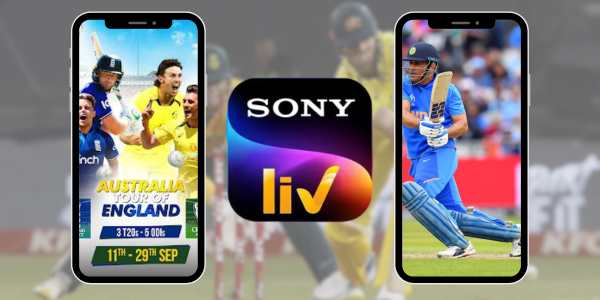
Sony LIV is one of the best known platforms for anyone who wants to watch live cricket with ease.
The app brings together live sports broadcasts and useful features.
Besides cricket, you’ll also find coverage of other sporting events.
Ideal for
Anyone looking to watch live matches with a simple and easy to use interface.
Main features
- Live streaming of different competitions.
- Replays to watch the best moments again.
- Personalized alerts before matches begin.
- Compatibility with smartphones, tablets, and Smart TVs.
- Adjustable video quality based on your internet connection.
Premium Version
Sony LIV offers Premium plans for users who want to unlock more content.
Plans start at US$ 7.99 per month or US$ 49.99 per year, depending on your region.
Willow TV: Is the Subscription Worth it?
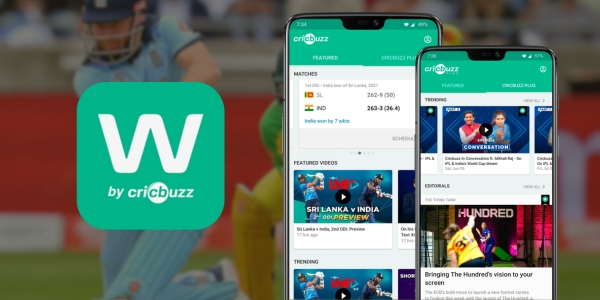
If you’re looking for a platform dedicated to the sport, Willow TV deserves your attention.
The app is well known for providing live cricket broadcasts from a variety of international competitions.
In addition to live matches, you’ll also find replays and other cricket related content.
Ideal for
Anyone who wants to follow cricket competitions on a specialized and easy to use platform.
Main features
- Live streaming of major competitions.
- Specialized cricket coverage.
- Replays to watch matches again whenever you like.
- Updated schedule featuring upcoming matches.
- Compatibility with smartphones, tablets, and Smart TVs.
Premium Version
Willow TV operates through a subscription and provides full access to all available content.
Plans start at US$ 9.99 per month, although prices may vary depending on your region.
If you don’t like missing matches, the Premium version may be an excellent choice.
JioHotstar: Highlights and Features
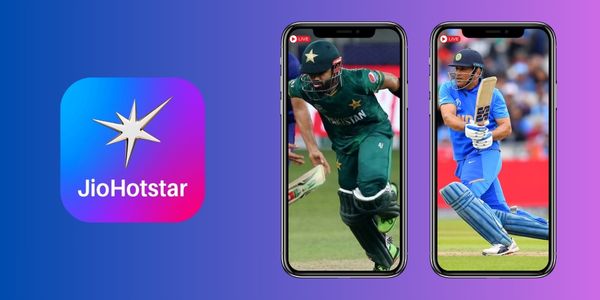
JioHotstar is one of the most popular apps among cricket fans.
The platform combines live streaming, statistics, and several features that help you follow every match.
The app lets you monitor team performance without leaving the live broadcast.
Ideal for
Anyone looking for a complete platform to watch live cricket with greater convenience.
Main features
- High quality live streaming.
- Real time statistics during matches.
- Updated schedule with upcoming games.
- Replays and highlights.
- Personalized alerts before matches begin.
- Compatibility with different devices.
Premium Version
Users who want to unlock more content can subscribe to the Premium version.
Plans are available starting at US$ 1.49, depending on platform availability.
How to Enable Reminders before Matches Begin
Turning on match reminders is a simple way to avoid missing the most anticipated games.
Most apps provide this feature in just a few steps.
- Open the app and sign in to your account if you haven’t already.
- Find the match or competition you want to follow.
- Tap the notification icon or the bell available on the event page.
- Choose the time when you want to receive your reminder before the match begins.
- Confirm the settings and save your changes to activate the alerts.
This way, you’ll receive a reminder before the broadcast starts.
This makes it easier to watch live cricket without manually tracking match schedules.
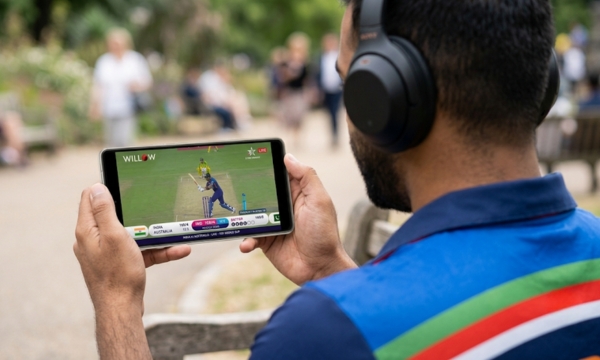
Which Settings Improve Video Quality?
A few simple adjustments can greatly improve your experience when you watch live cricket
These settings help reduce buffering and keep the picture more stable.
Use a stable connection
A Wi-Fi connection usually provides greater stability during long matches.
If you’re using mobile data, choose a strong signal to avoid interruptions.
Choose the appropriate resolution
The highest resolution isn’t always the best choice.
Adjust the video quality according to your internet speed.
Keep the app updated
Updates usually include performance improvements and bug fixes.
Check regularly to see whether a new version is available.
Close other apps
Apps running in the background can consume memory and internet bandwidth.
Closing them helps improve performance during the broadcast.
Restart the stream if necessary
If the picture shows problems, restart the video.
In many cases, this simple action resolves minor playback issues.

How to Reduce Internet Usage during Streaming
It’s possible to save mobile data without giving up the ability to watch live cricket.
With a few simple habits, you can reduce your data usage and enjoy matches for longer.
- Enable data saver mode: many apps offer this feature to reduce data consumption during streaming.
- Download only on Wi-Fi networks: avoid automatic updates while using your mobile data to watch matches.
- Disable autoplay: preventing other videos from starting automatically helps save internet data.
- Watch only one stream at a time: keeping multiple streams open increases data usage unnecessarily.
Which App is the Best Match for You?
Each app offers features designed for different types of users.
Choosing the best option depends on your personal preferences.
| If you’re looking for… | Recommended app |
|---|---|
| A platform with multiple sports | Sony LIV |
| Specialized cricket content | Willow TV |
| More features and functionality | JioHotstar |
If you value a complete platform, it’s worth trying more than one app.
That makes it easier to discover which one offers the best experience to watch live cricket.
Live streaming, personalized alerts, and replays make the experience even better.
As a result, following every match becomes much easier.
How to Download and Install the Apps
Getting started to watch live cricket on your phone is easier than it seems.
In just a few minutes, you can install an app and begin following your favorite competitions.
- Open your phone’s app store, such as Google Play or the App Store.
- Search for the name of the app you want to install, such as Sony LIV, Willow TV, or JioHotstar.
- Check the developer to make sure you’re downloading the official app.
- Tap “Install” and wait for the download and installation to finish.
- Open the app and grant the necessary permissions if requested.
- Sign in or create an account if the platform requires access before unlocking its content.
- Choose the competition or match you want to watch and enjoy the live broadcast.
Now all that’s left is to choose the app that best fits your preferences and enjoy every moment of the next match!